Klick hier für Seite auf Deutsch
Time travel back to the beginnings of the flight simulator
Introduction | Why | Missions | Tutorial | FIP | Once | Memory | More
| Once | C64-Emulator | Flight LA-Catalina | ||
|
On January 26, 2026, my 14-year-old gaming PC unexpectedly broke down.
It took about a month, from PC failure and troubleshooting to waiting until the PC, which was individually assembled for me, was delivered and set up. I passed the time with my 40-year-old C64 and subLOGIC’s Flight Simulator 2. I completed a flight from LA to Catalina using VOR navigation; for this, I scanned the original map and drew a route with a pen and ruler (see image on the left). If you'd like, you can recreate this flight on the C64, the C64U, or a C64 emulator. You can download suitable emulators, as well as the “Flight Simulator 2 software from subLOGIC,” from the web. You can find the download links here: C64-Emulator |
La-Cataline Route (Click on the image to enlarge.)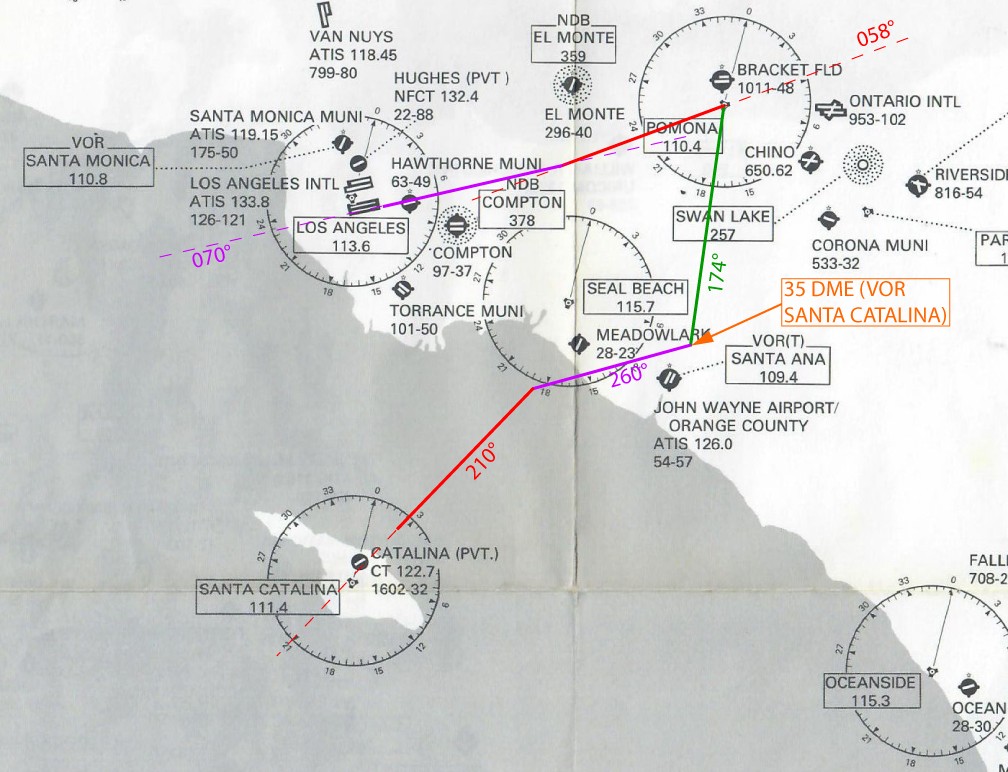 |
|
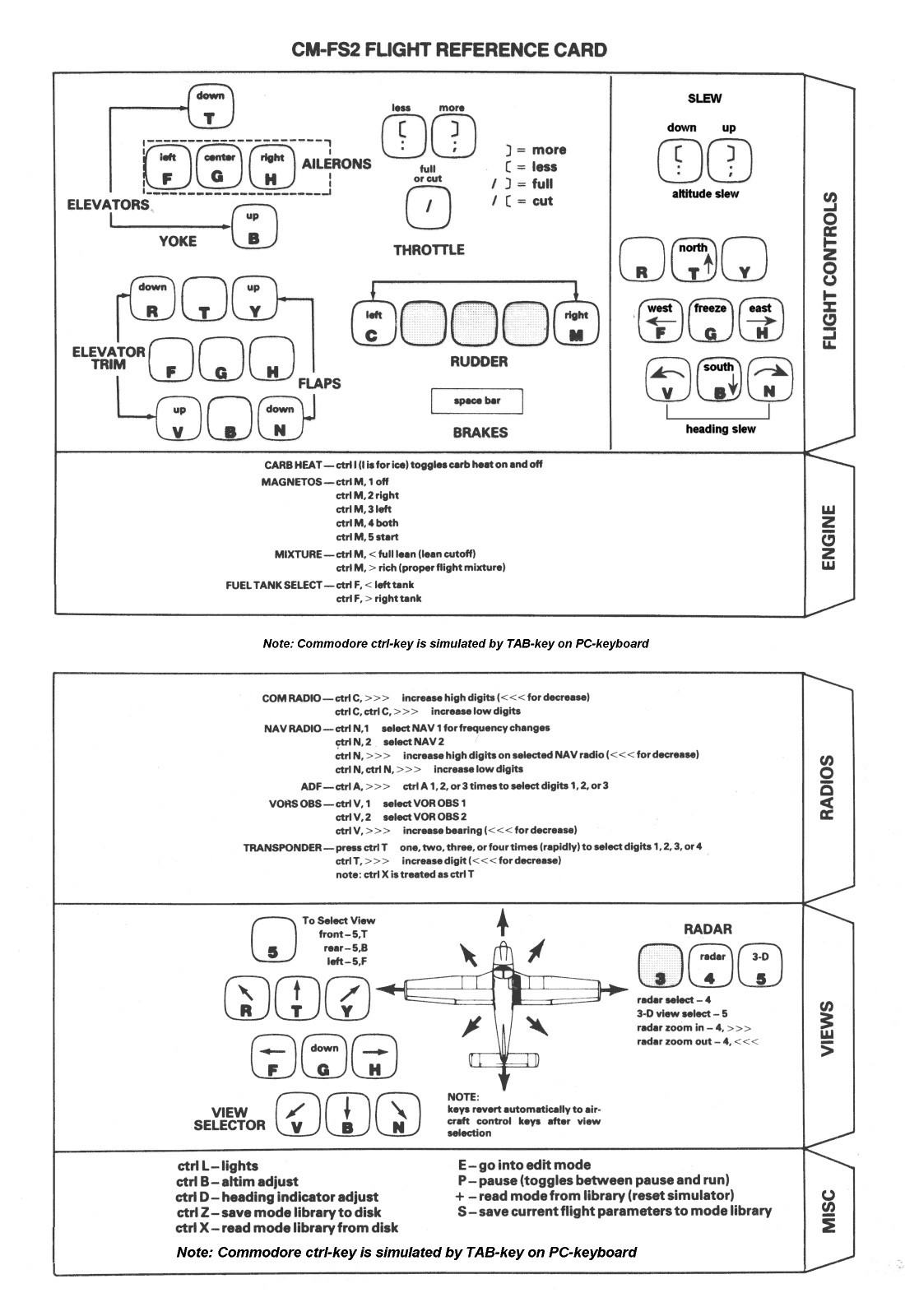
| You'll need a ReferenceCard to operate the flight simulator. (Click on the image on the right to enlarge it.) I've also compiled the most important information from the original FS 2 manual into a single document: GeneralInformation.pdf |
 |
|
|
I re-ran the flight in P3D and took a few comparison screenshots.
|
C64
|
P3d
|
|
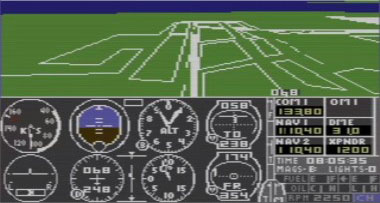
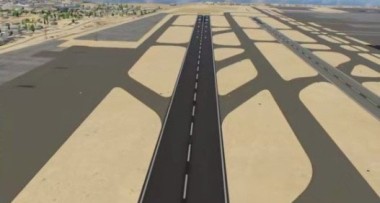
Shortly after takeoff, I switched to the rear view; you can see LAX getting smaller. |
 |
 |
|
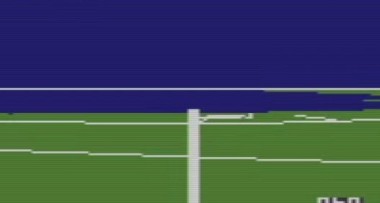
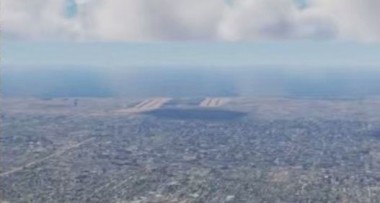
Upon reaching 5000 feet, I looked back and thought about how beautiful flying is in P3D; you don't just see a few pixels, but the airport in detail. However, the comparison shows: I don't really see any more in P3D; I can definitely see the second airport (on the right) better on the C64. |
 |
 |
|
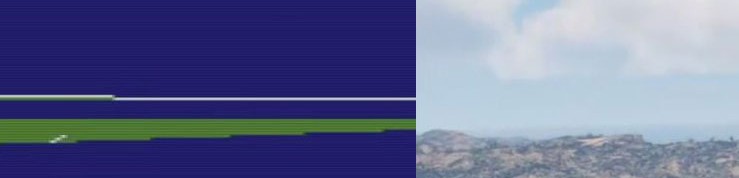
So I flew my planned route, and as I approached Catalina Airport, I wished I had my P3d, because you can see the airport from a distance with that, unlike with the C64, or so I thought. How wrong I was... |
 |
|
|
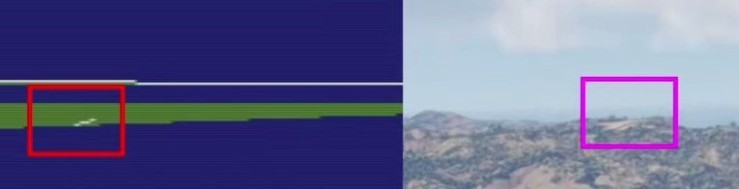
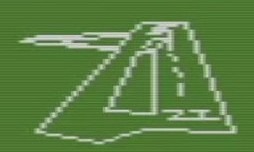
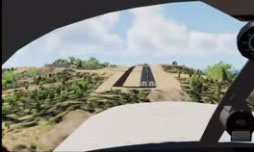
On the C64, you can clearly see the three pixels that make up the runway. In P3D, you can't see anything unless you know where to look. |
 |
|
|
Admittedly, the final approach is much easier in P3D because you can control it precisely with sophisticated hardware, unlike the C64, where you can only press one key at a time, never two, as that overloads the keyboard decoder. Nevertheless, it's astonishing how good the flight simulator was even back then. |
 |
 |
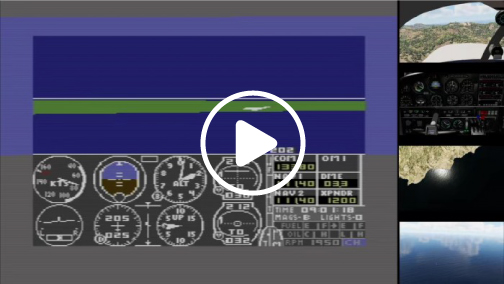
| I recorded the flight in three videos and added captions to make it easier to follow along. 1. Video: Preparing the C64 Flight (33MB, 7m49s): This video shows which settings need to be adjusted for the flight. 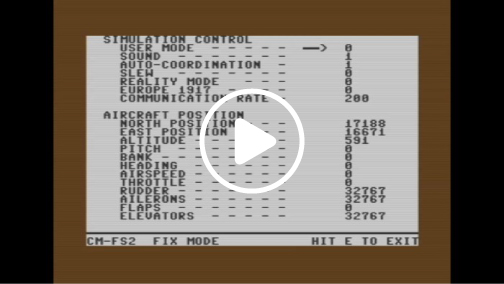
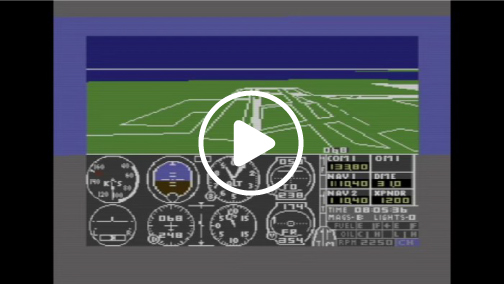
2. C64 Flight Video (300 MB, 1 hr 2 min): 3. C64/P3D Comparison Flight Video (431 MB, 1 hr 2 min): Have fun flying along. |
||
| I not only recreated this flight in P3D, but turned it into a mission. You can find the mission here: LA-Catalina(e) | ||
|
Once | C64-Emulator | Flight LA-Catalina
|
||
|
I hope you enjoy these flights, if so, please give feedback to p3d@andi20.ch.
Also send error messages (spelling mistakes, wrong information, etc.) to me, I appreciate any feedback. |
||
Introduction | Why | Missions | Tutorial | FIP | Once | Memory | More